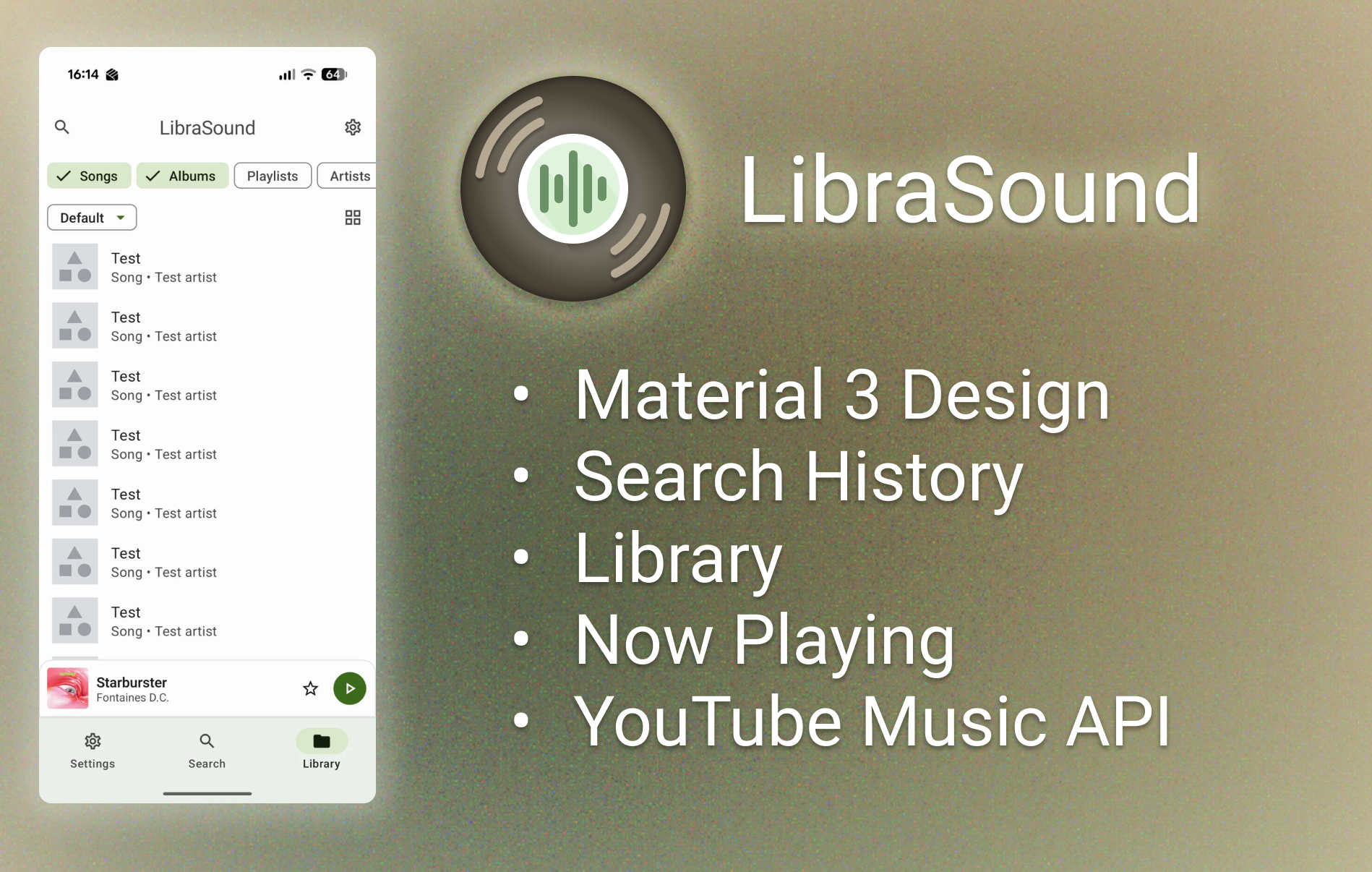
An Android music player app developed using Kotlin and Jetpack Compose, designed to provide a seamless and visually appealing music listening experience.
I created this app as part of my A-level coursework to explore mobile app development which I see as a key area of interest.
I focused on building an intuitive and beautiful user interface using Jetpack Compose, along with implementing core music playback functionalities.
Features
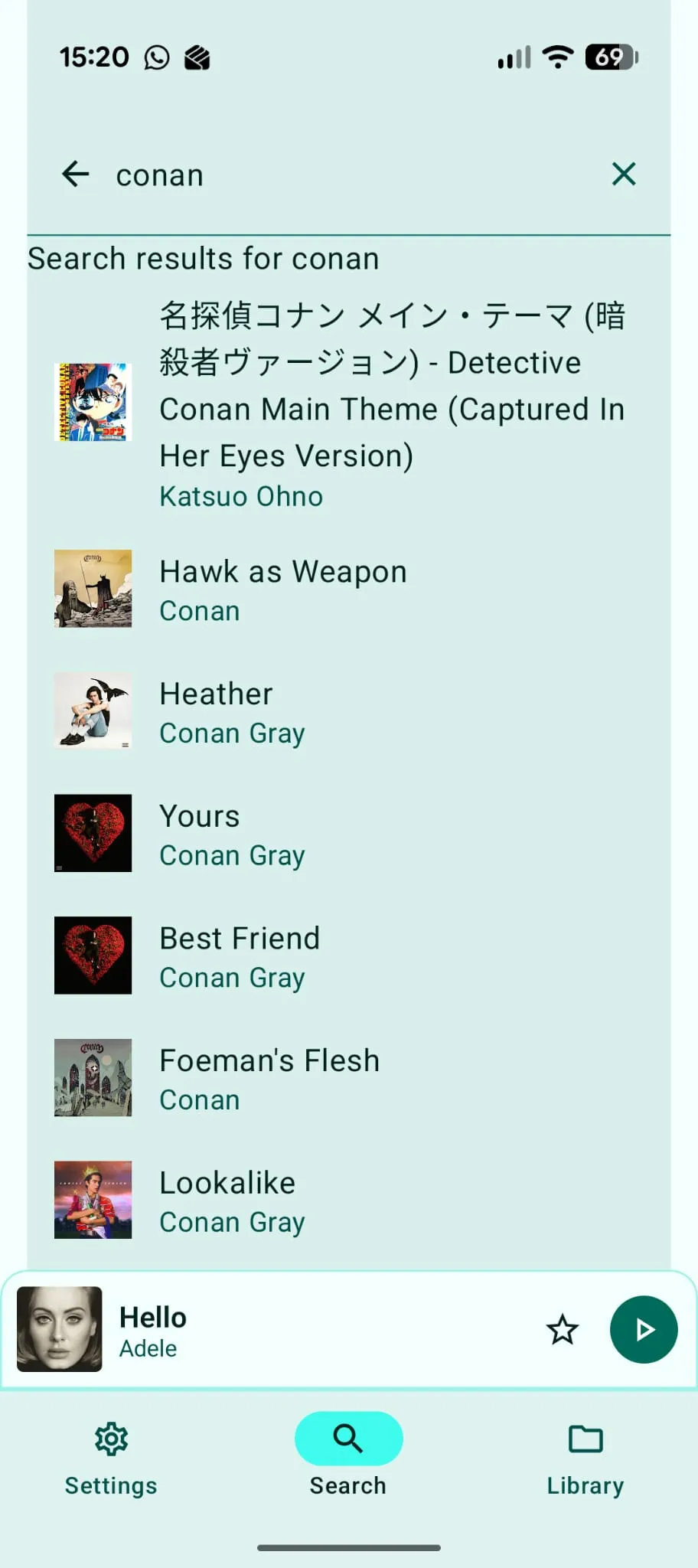
YouTube Music APISearch results and audio both come from the YouTube Music API, providing a vast library of songs.
While Google don't provide a public API, there were a few FOSS apps already out there utilising it.
I originally planned to use NewPipe, a free open-source YouTube client. They had an API but the documentation was poor and I was unable to implement this.
Instead, I found an app with the same purpose and goal as my own. InnerTune is a Material 3, YouTube Music client by Zion Huang. Because it's a native, modern Android app built with Kotlin, I was able to dissect the code and copy the packages I needed into my own app.
Due to this, I'd need to take careful consideration if I had planned to distribute this app, looking at the licensing for InnerTune and crediting accordingly.
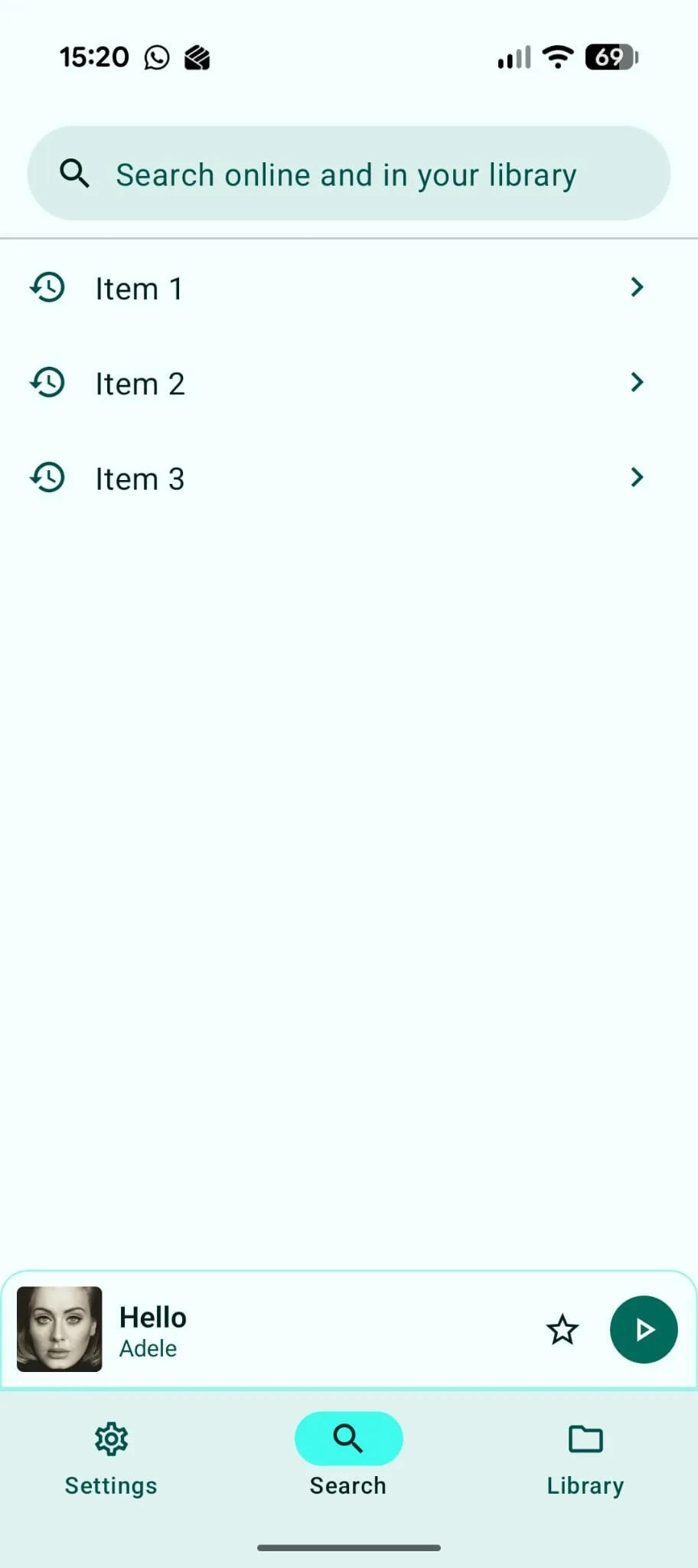
Search HistoryThe app stores the user's last few search queries for easy retrieval and repeated searches.
While this search history feature does suffice, a future iteration may integrate song and album searches into this history. For example, if the user selects an album when searching, that album will appear directly in the history, rather than the search string the user entered to get there.
LibraryUsers can save their favourite tracks to their personal library for quick access. (front-end implemented, back-end TODO)
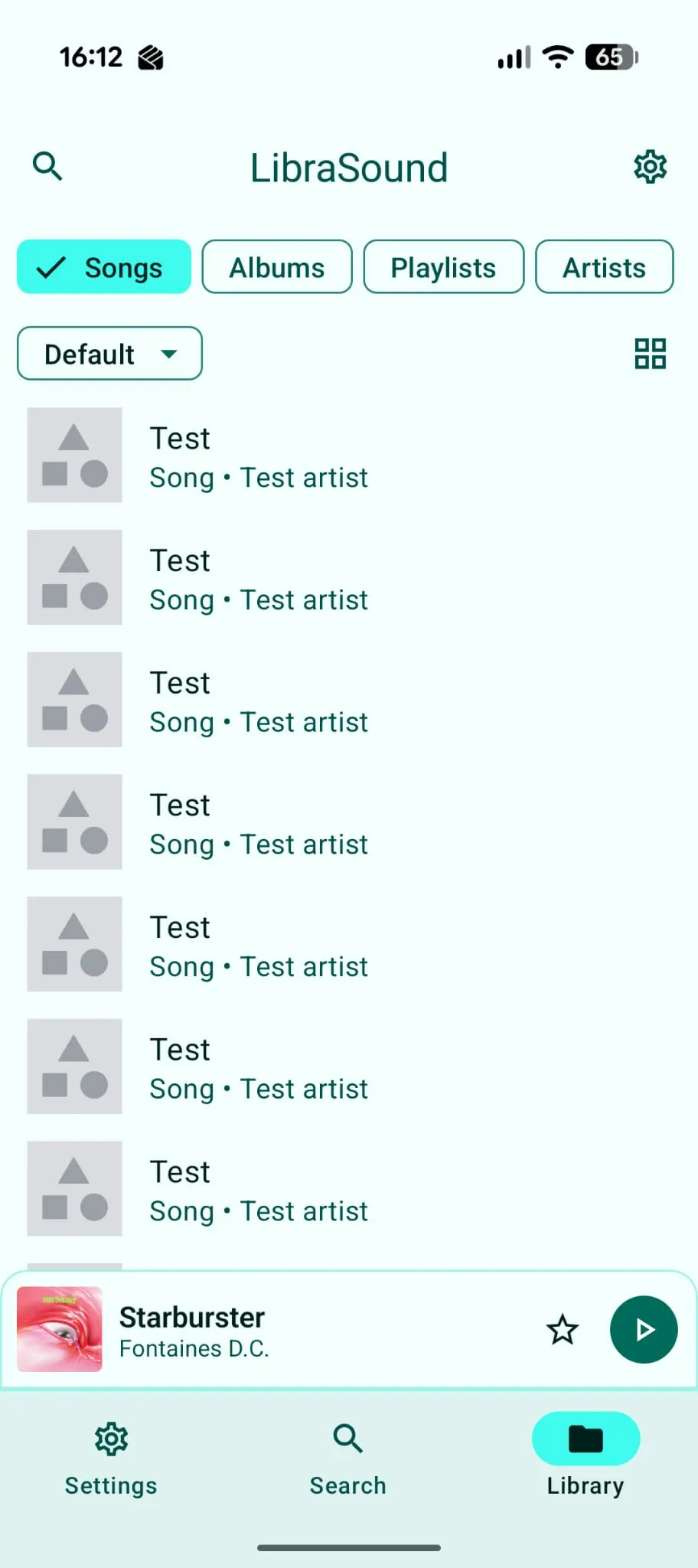
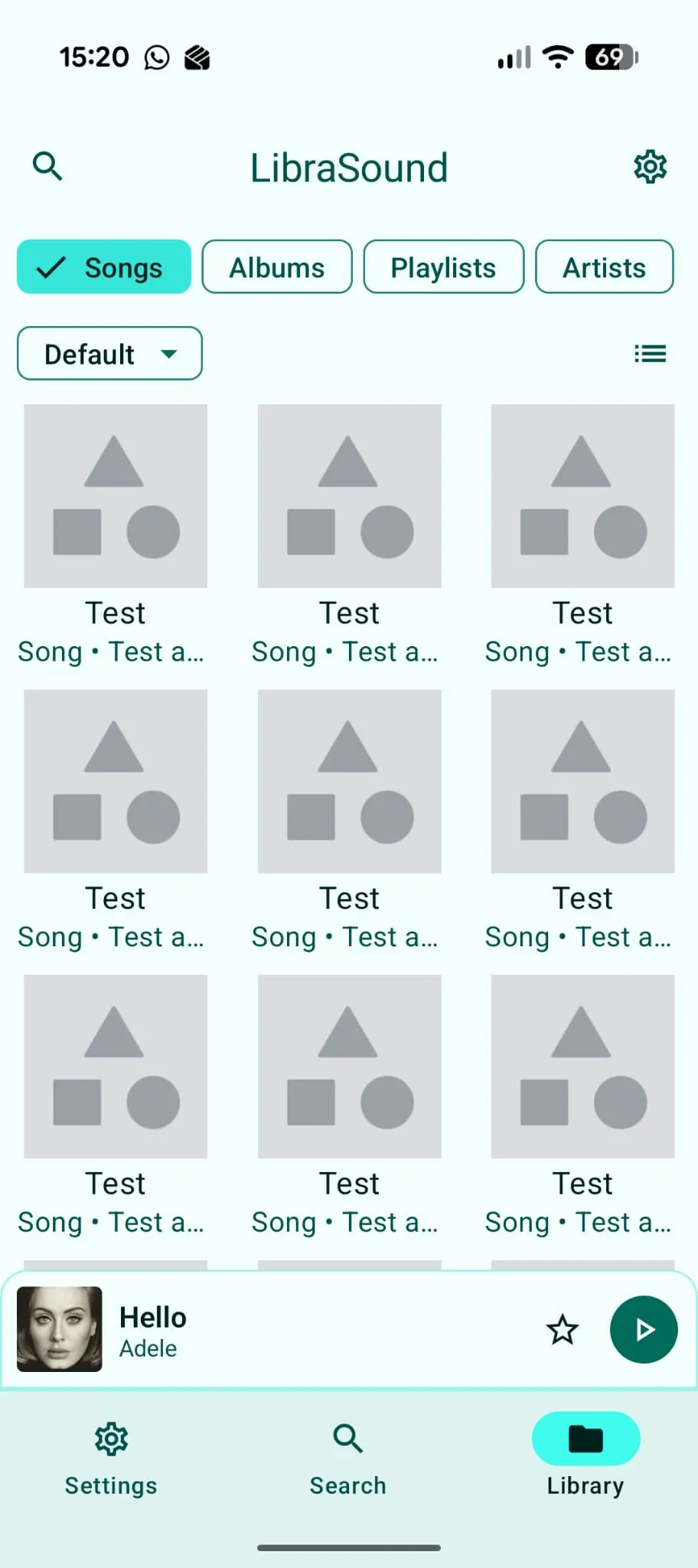
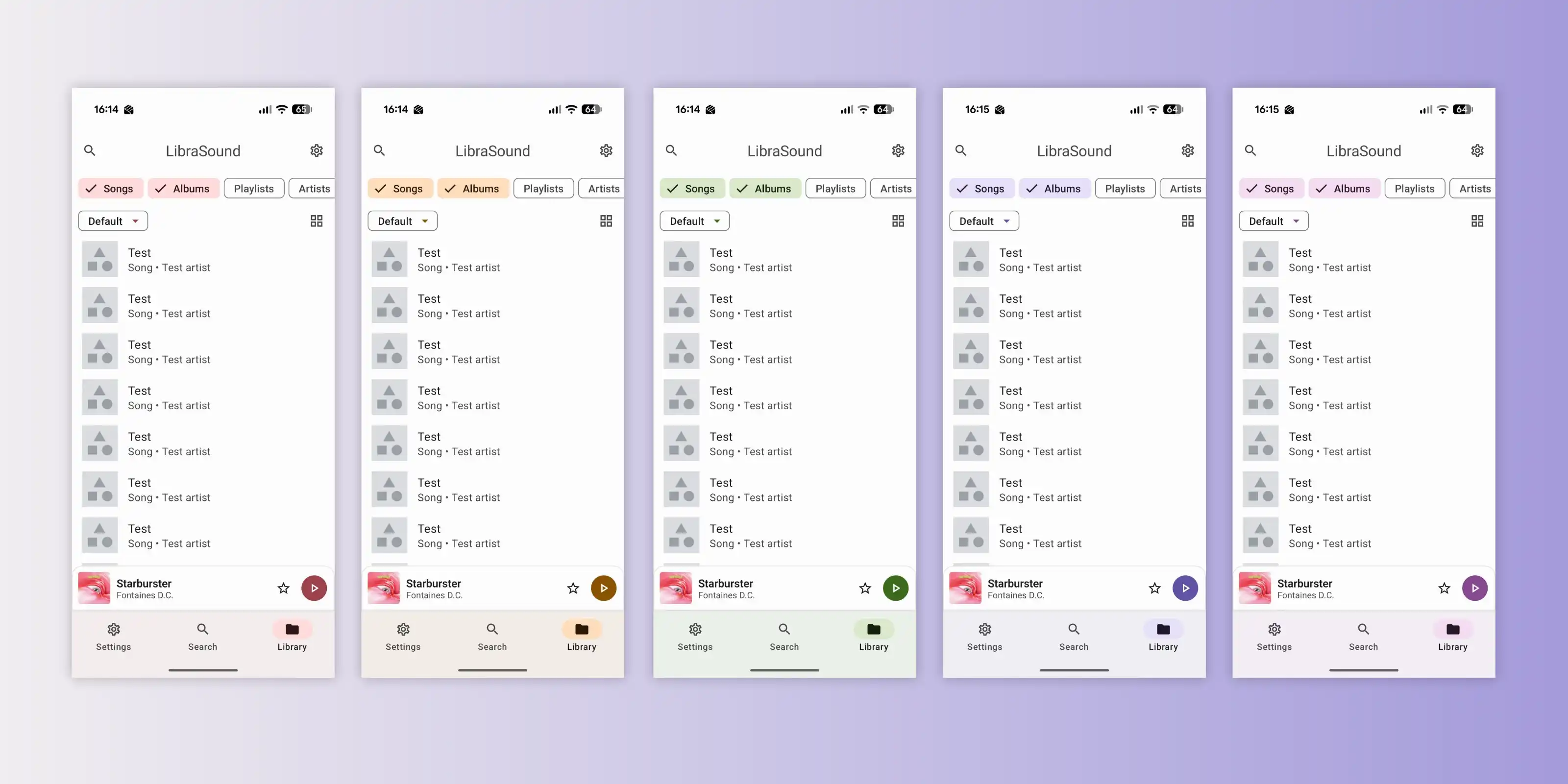
Material Design 3I aimed to closely follow the Material 3 design guidelines for a modern and consistent user interface. This allowed for rapid development with a highly polished look.
One thing that inspired me to create a mobile app for my project was my familiarity with Google's design language.
Android was a core part of what got me interested in computer software and I've paid close attention to the way the design of it has evolved over the years.
Material 3 provides a platform to create beautiful looking apps without having to build a design language from scratch.
All of the core components from buttons to app bars are included, which saved me the trouble of designing them from scratch.
But ultimately my familiarity was what made it the most intuitive solution both to develop and to use. Because it's the underlying design language of Android alongside all Google's core apps, I and many other people have interacted with it more than anything else, so I could picture the component I wanted before having even found it in the documentation.
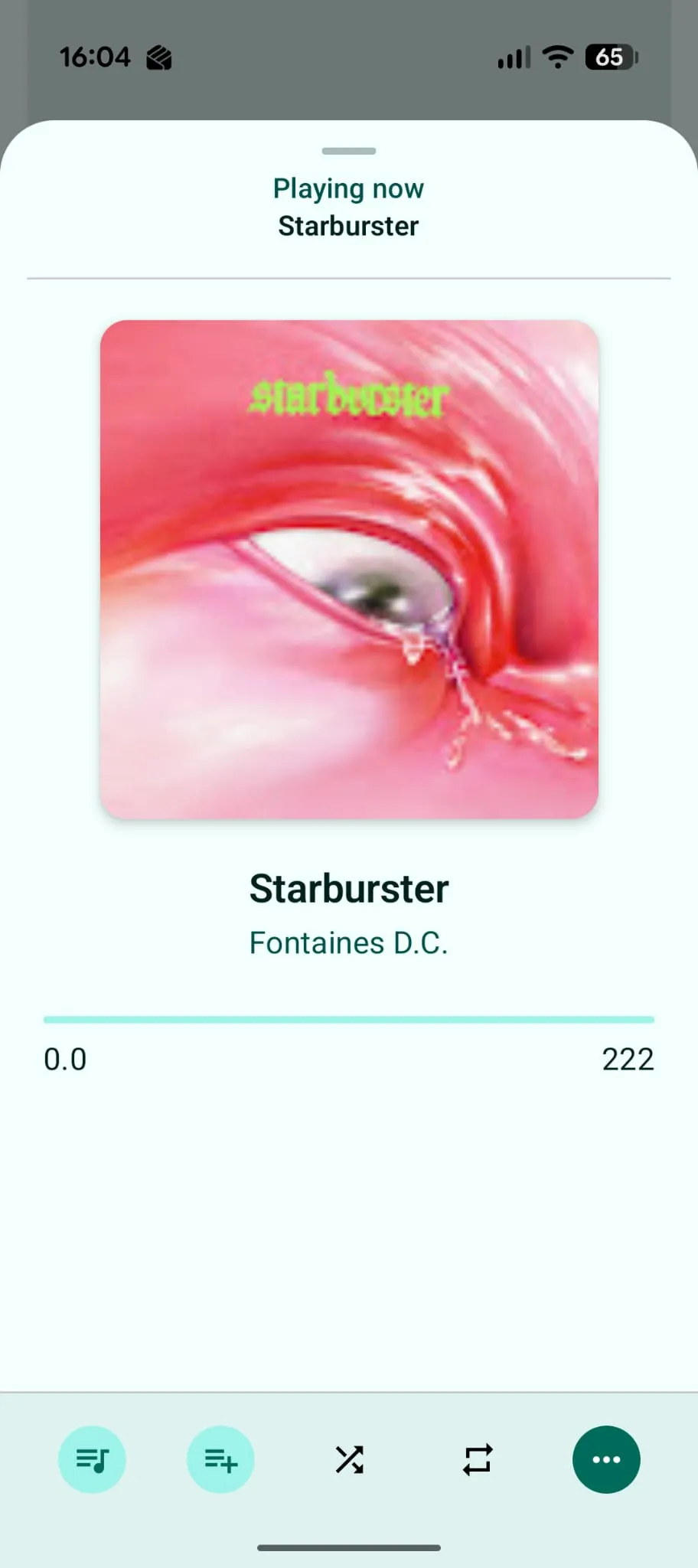
Now PlayingBoth a dedicated screen and a hovering widget, it displays the current track with playback controls and album art for an engaging user experience.
One part of the interviews I conducted involved deciding which controls were most important to include in the Now Playing minibar, and what could be put in the larger Now Playing sheet.
Key controls included play/pause, skipping and saving tracks.
Using a dedicated skip button was considered, but given the compact nature of the minibar, I had concerns a user may accidentally press skip when trying to pause or save the song.
While this was never implemented, my plan was to include swipe gestures for skipping tracks. This was partially inspired by Spotify's approach, which seemed credible given their experience and large user base.
If this app was released, I'd conduct further user research based on interaction data to determine if this layout was optimal.

Development process
During my studies for Computer Science A-level, we were taught a variety of SDL methodologies. For this final project we followed the "Waterfall" approach.
The main focus with this project was producing detailed documentation with the following phases:
Planning and Research
Starting with a planning phase where I set out the project requirmements and researched similar available options, including Spotify, where I produced a written analysis of its UI/UX and why design choices were made.
Next, I created designs and prototypes for the user interface taking on board what I'd learnt from my research, as well as producing various diagrams including decomposition trees and flow charts
I also carried out a set of in-person interviews with stakeholders with an interest in my product idea. I asked them a series of questions to gather valuable feedback and user preferences.
Implementation
The planning phase gave me an excellent outline for the development process where I spent a considerable chunk of my time.
It felt as though I had to break three things just to make one thing work, but little by little I built on my work until I finally had something to show for it.
The Waterfall methodology meant I had a fixed amount of time for each phase, so I didn't fulfill all the requirements within the time constraints. However, this wasn't necessarily a bad thing as I had a hard time wrapping up features and it taught me valuable lessons about time management and prioritization.
Testing
A testing phase followed to ensure the app was reliable and well documented. I wrote detailed test cases based on the requirements and performed each one of them noting the results.
Reflection
The final part of the documentation was a reflection on what I learned and what I'd take away going forward.
What I really enjoyed about this project was the freedom to explore and experiment with new technologies while sticking to a rigid development structure. It kept me on track while allowing for creativity and innovation.
Technical Challenges
I borrowed libraries from another open-source project to handle the YouTube API. It took a lot of trial and error to get it working correctly within my app.
Native Android app development was entirely new to me and presented a steep learning curve.
Implementing smooth and responsive UI animations using Jetpack Compose took a lot of effort but enhanced the user experience significantly.
Technologies Used
Kotlin
Jetpack Compose
Android Studio (IDE)
More Screenshots